
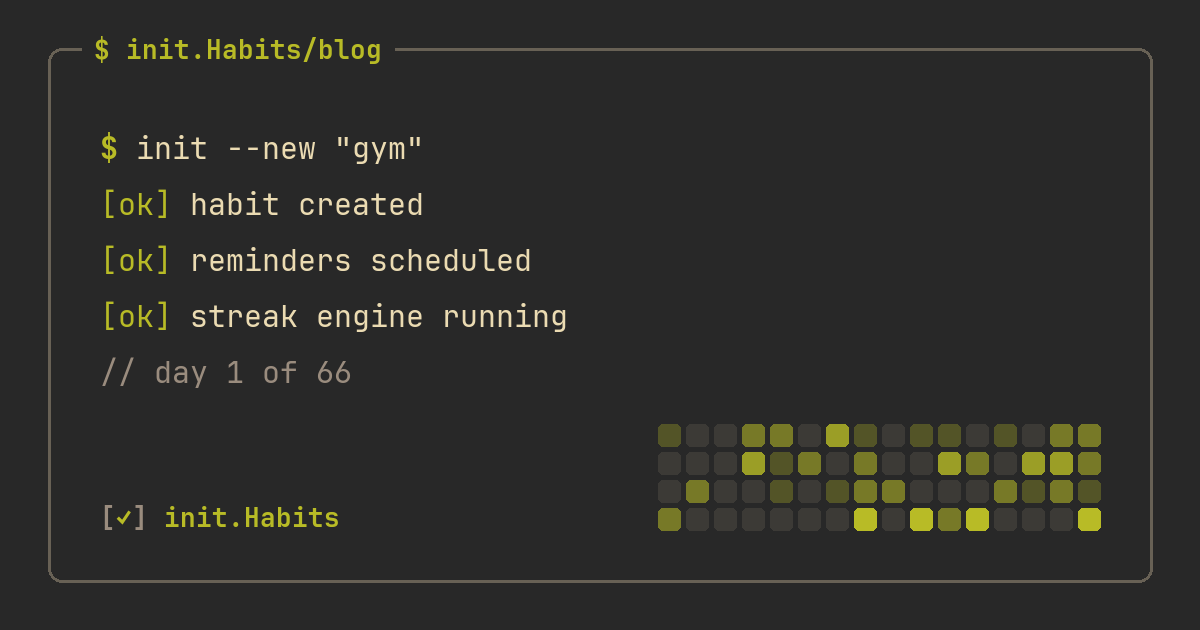
The habit tracker journal started as a single page in a notebook: a grid of little boxes, one row per habit, one column per day, and a satisfying mark for every day you showed up. It's a lovely idea, and for about two weeks it works beautifully. Then the notebook gets left at the office, a couple of days go unmarked, the grid develops holes, and the whole thing quietly migrates to a drawer. If you've searched for a habit tracker journal, you're probably standing at that exact fork: keep romancing the paper, or move the same idea somewhere you'll actually keep it.
A habit tracker journal is just a structured place to record whether you did your daily habits, day after day, so the record itself nudges you to keep going. The format barely matters. The not-skipping matters. Whatever version you choose, you're really buying two things: a low-friction way to mark today as done, and a visible history that makes a growing streak feel worth protecting.
What the paper version gets right
Paper has real advantages, and pretending otherwise is how app people lose the argument. Writing the mark by hand is a small ritual, and rituals stick. There are no notifications waiting to pull you into a feed when you open it. It costs four euros and never needs an update. It's completely private — nothing syncs anywhere. And a blank page bends to any layout you invent, which is why the bullet-journal crowd builds gorgeous custom trackers with mood columns and color keys.
If your day mostly happens at one desk and you like the tactile reset of filling in a box with a real pen, a paper habit tracker journal can carry you a long way. The reflective friction is a feature, not a bug.
Where the paper journal falls apart
The problem is structural, not aesthetic. A notebook only tracks you when you're sitting in front of it, and habits happen everywhere — the gym at 7am, the kitchen at midnight, a hotel on a work trip. It can't remind you of anything, so it leans entirely on you remembering an object. Counting is manual, so a "drink 2 liters of water" row turns into a guessing game by evening. There's no streak math, so the chain only exists if you draw it. And one missed notebook day leaves a permanent hole you can't reconstruct, which for a lot of people is the crack the whole habit falls through.
Habits are driven far more by context and cues than by willpower, which is the consistent finding across decades of habit research. A tracker that's only available in one room is fighting that finding instead of using it.
Paper journal vs a habit-tracking app
| paper journal | habit-tracking app | |
|---|---|---|
| always with you | only at your desk | in your pocket |
| reminders | none | scheduled, per habit |
| streak + history | you draw it | calculated for you |
| counting (water, pages) | manual tally | counter taps add up |
| missed-day recovery | a permanent hole | an earned shield can cover it |
| privacy | total | depends on the app |
| ritual / feel | high | lower, but faster |
Read down that table and the trade is clear: paper wins on feel and privacy, the app wins on everything that decides whether the habit survives a busy week.
The digital version is a journal that fills itself in
The thing people miss about moving a habit tracker journal to a phone is that the record gets better, not just more convenient. A GitHub-style heatmap reads like a journal of your whole year — green where you showed up, pale where you didn't — and you didn't have to rule a single line to get it. Every habit keeps its own dated history, so "how's my reading actually going?" is one tap away instead of a flip through forty pages. And logging is a tap, which matters more than it sounds: the easier the entry, the smaller the excuse to skip it.
How to set up a habit tracker journal
- List three to five habits, not fifteen. A short list you keep beats an ambitious one you abandon.
- Decide what "done" means for each: a checkbox for yes/no, a counter for water or glasses, a number for pages, a timer for focused work.
- Put the page where you'll see it — a home-screen widget for the app, or the notebook open on your desk, not closed in a bag.
- Set the bar low enough to clear on a bad day, so one hard evening doesn't start a hole.
- Review weekly, not daily. Daily checking turns the journal into a chore; a weekly glance is where the patterns show up.
Keep the journaling and the tracking separate
Don't confuse a habit tracker journal with journaling itself. If your goal is the writing — the reflective, what-happened-today kind — that's a different project, covered in how to build a journaling habit. A habit tracker journal's job is narrower and easier: record the yes or no of each habit so the streak does the motivating. You can absolutely track "journaled today" as one row inside it, which is the neat part — the tracker holds the habit, the notebook holds the words.
Why the visible record does the work
The grid is the whole trick. A run of marked days becomes a small piece of evidence about who you are, and you start protecting it for its own sake — the same pull whether the boxes are inked or pixels. The difference is that a phone version keeps the evidence accurate even on the days you're not at your desk, and it forgives the occasional genuine miss with an earned streak freeze instead of punching a permanent hole in the page. If you're not sure which habits deserve a row in the first place, what habits to track covers how to keep the list short enough that each one actually gets a mark. A journal you keep beats a beautiful one you don't.
FAQ
What is a habit tracker journal?
It's a structured record — on paper or in an app — of whether you did your daily habits, kept day after day so the streak nudges you to continue. The classic version is a grid in a bullet journal; the modern version is a tracking app that draws the grid for you and reminds you to fill it in.
Is a paper or digital habit tracker better?
Paper wins on ritual and total privacy; a digital one wins on portability, reminders, automatic streaks, and recovering from a missed day. If your habits happen away from your desk or you keep forgetting the notebook, the phone version survives real life better. init.Habits keeps the grid honest, reminds you per habit, and lets an earned shield cover a genuine off day.
How do I make a habit tracker journal in a bullet journal?
Draw a table with one row per habit and one column per day of the month, then mark each box when you complete the habit. Keep it to three to five habits so the page stays fillable, and put a tiny key for partial days. The catch is remembering to carry it — which is exactly why many people graduate to an app.
How many habits should I put in my habit tracker journal?
Three to five to start. Every extra row raises the odds you abandon the whole page, so get a few habits automatic before adding more. How many habits to track walks through finding your real ceiling without overloading the journal.