
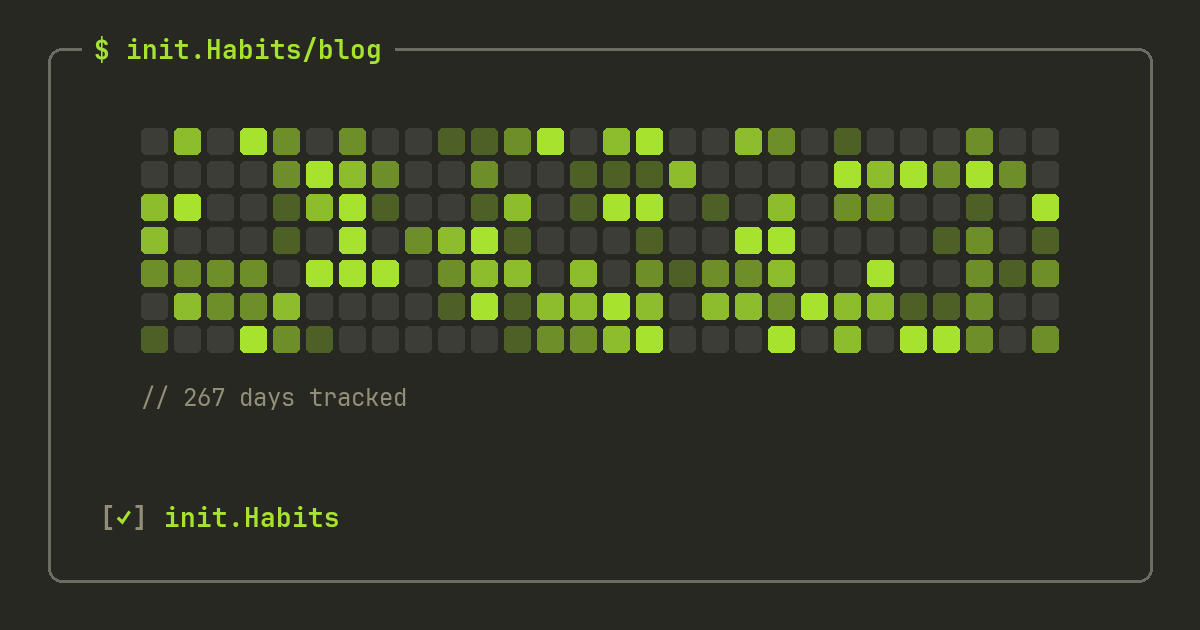
HabitKit is a good app. Let's start there, because most "alternative" posts won't: it popularized the tile-grid look on mobile, it's cheap, it runs on Android, and 2,200+ App Store ratings sit at 4.9 stars. If it does everything you need, keep it.
People go looking for a HabitKit alternative for specific reasons, though — and they come up in its own reviews. One missed day resets your streak with no protection. Everything is a checkbox or a count, so timed habits need a second app. And your data lives on one phone: no sync, no second device, manual file transfer when you upgrade.
init.Habits is a terminal-style habit tracker for iPhone and the web with earned streak freezes (shields), GitHub-style heatmaps, five tracking modes including a pomodoro timer and Apple Health sync, and 23 editor themes. It keeps the part of HabitKit people love — the grid — and fixes the parts people leave over. Here's the whole comparison, as of July 2026, losses included.
At a glance
| init.Habits | HabitKit | |
|---|---|---|
| Platforms | iPhone + web (any browser: Mac, Windows, Linux, Android) | iPhone + Android |
| Contribution-grid heatmap | yes — per habit, widgets, stats | yes — the signature look |
| Free tier | 10 habits, 2 routines, stats included | around 4 habits; stats are Pro |
| Tracking modes | checkbox, counter, number + unit, timer, Apple Health | checkbox, counter |
| Streak protection | shields (earned freezes), vacation + sick mode | none — a miss is a miss |
| Routines | yes — grouped habits with their own schedule | no |
| Timer / pomodoro | yes, with live activity | no (separate app) |
| Apple Health | 11 metrics auto-complete habits | no |
| Cross-device sync | yes — anonymous or Sign in with Apple | no — manual file transfer |
| Progression | XP, levels, 30+ achievements | none |
| Themes | 23 editor palettes + custom editor | ~21 accent colors |
| Price (yearly) | €34.99, 7-day trial | $11.99 |
Both are made by one independent developer. Both respect you: no feed, no followers, no ads. The difference is philosophy — HabitKit stays deliberately minimal; init.Habits believes a tracker should also protect your streak, time your focus, and follow you across devices.
What they share
The heart of both apps is the same idea: your year as a grid of filled squares, the visual GitHub made famous. Miss days and the gaps stare back at you. Fill them and stopping feels expensive. If that visual works on your brain, either app will serve it — we wrote about why the format works in the GitHub-style tracker guide.
Both are solo-developer apps, not VC products. Both work fully offline with no account. Neither will nag you into a subscription with locked-out basics — you can track habits free in either, forever.
That's the shared floor. Now the five places they genuinely differ.
1. What happens when you miss a day
This is the reason to switch, so it goes first.
In HabitKit, a missed day is a missed day. There's no streak freeze, no repair, no vacation mode — the official answer to "I need a break" is archiving the habit. If you got sick in week nine of a streak, week ten starts at zero. For some people that hard edge is motivating. For most, one slip reads as failure and the whole practice quietly ends there.
init.Habits treats a missed day as survivable. Every 7 days of genuinely hitting your goal earns a shield (you hold up to 3). Miss a day, and a shield spends itself automatically — the streak lives, and the grid shows an honest shielded day rather than a hole. You can't buy shields and you can't farm them; only completed days earn them. Going away for two weeks? Vacation mode freezes everything, guilt-free. Sick? Sick mode does the same. The full mechanics are in the streak freeze post.
2. What counts as a habit
HabitKit tracks two shapes of habit: done/not-done, and counts (added in 2025 — pages read, glasses of water). That covers a lot.
init.Habits tracks five: checkbox, counter, number with a goal and a unit (8,000 steps, 2L of water), timer, and Apple-Health-linked. The last two matter more than they sound:
- Timer habits run a real session — pick a pomodoro preset (25/5, 50/10, 90/15) or your own, and a live activity keeps the countdown on your lock screen. HabitKit has no timers; its developer sells a separate focus app for that. If "deep work, 50 minutes" is one of your habits, that's two apps or one.
- Health-linked habits complete themselves. Bind a habit to any of 11 Apple Health metrics — steps, sleep, exercise minutes, water, mindfulness and more — set a target, and the app checks it off when your phone says you did it. No manual logging for things your devices already measure.
Schedules are deeper too: specific weekdays, every N days, monthly dates, biweekly, and weekly targets like "gym 3× a week" — where the streak logic understands the week, not just the day.
3. Where your data lives
HabitKit is local-only by design: "No sign-in. No servers. No cloud," as its store listing says. That's a real privacy position and some people choose it deliberately. The cost shows up later: no second device, no automatic restore when your phone breaks, and moving to a new phone means a manual file export.
init.Habits gives you the choice instead of making it for you. The app works fully offline with no account — same as HabitKit. Turn on cloud sync and your habits follow you: anonymous by default, Sign in with Apple if you want cross-device identity, iCloud backup as a second layer, and a synced web app in any browser. Everyone, free or Pro, can export the entire dataset as JSON anytime.
4. Routines and progression
HabitKit has no grouping — every habit is a flat tile on one dashboard, and reviewers looking for categories or stacks come up empty.
init.Habits has routines: bundles like "morning" or "gym day" with their own schedule, timer, and reminder, so a morning routine is one unit instead of five scattered habits. There's also a progression layer HabitKit deliberately doesn't have — XP for completed days, levels, and 30+ achievements from "first completion" to a hidden one for finishing everything before 7am. If that layer annoys you, ignore it; it never gates anything. But on the days motivation dips, "level 12, 160xp to next" is one more reason to show up.
5. The look
HabitKit is a clean, friendly grid app with around 21 accent colors and a solid dark mode.
init.Habits is a terminal. Monospace type, aligned columns, [✓] checkboxes — and 23 editor palettes recreated exactly: Dracula, Nord, Tokyo Night, Catppuccin, Gruvbox, Solarized and friends, plus a custom theme editor and a community marketplace. 8 themes are free. If you've ever picked a code editor theme with actual care, you know which of these two screenshots ends up on your home screen. (The themes post shows them all.)
Where HabitKit wins
An honest list, because it exists:
- Android. HabitKit ships on both platforms today. init.Habits is iPhone-first — Android is planned, not shipped. If your household is half Android, HabitKit is the practical pick right now.
- Price. $1.99/month, $11.99/year, $29.99 lifetime on the US store — roughly half of init.Habits' €4.99/€34.99/€49.99. HabitKit is one of the cheapest polished trackers anywhere.
- Track record. Four-plus years on the store and thousands of ratings. init.Habits is newer, with a smaller (happy) review base.
- Fewer concepts. No shields, no XP, no modes to learn. If a bare checkbox grid is the entire tool you want, HabitKit's simplicity is a feature, not a gap.
What you give up for those wins: streak protection, timers, health sync, routines, cross-device sync, and free stats — HabitKit gates its statistics page behind Pro, while init.Habits ships full stats and history backfill on the free tier.
Switching from HabitKit
There's no direct import — HabitKit's backup file is its own format. In practice the move takes about ten minutes:
- Recreate your habits in init.Habits (the free tier's 10 slots cover most people's real list).
- Backfill the last week or two from memory — any past day can be edited, so your grid doesn't start empty.
- Let the old grid rest. Your history lives on in HabitKit; your streaks restart protected.
Don't recreate everything you've ever tracked. Migration is a natural moment to cut the list down to the habits that still matter — how many habits you should track covers where that line is.
FAQ
Is init.Habits a free HabitKit alternative?
The free tier is genuinely usable: 10 habits, 2 routines, the heatmap, shields, all reminder modes, full stats, and 8 themes — no trial clock. Pro (€4.99/month, €34.99/year, or €49.99 lifetime) adds timers, Apple Health, cloud sync, every widget, and all 23 themes.
Does init.Habits work on Android like HabitKit?
In the browser, yes — init.Habits is iPhone-first, and its synced web app runs on Android too; a native Android app is still planned. HabitKit runs on both today; if Android is a hard requirement right now, that decides it.
Can I import my HabitKit data into init.Habits?
No — there's no importer for HabitKit's backup format. Habits are quick to recreate, past days can be backfilled manually, and init.Habits' own data exports as JSON so you're never locked in going forward.
Which app is better for keeping streaks?
init.Habits, and it isn't close: earned streak freezes (shields), vacation mode, and sick mode all protect a streak from life. HabitKit has no streak protection — one missed day resets the count.