
Search for a terminal habit tracker and you mostly find two things: command-line scripts on GitHub that you run with habit add "floss", and a handful of apps that borrow the look of a terminal without making you type anything. They get lumped together, but they solve very different problems, and picking the wrong one is how people end up abandoning the idea after a week. (On Android, the open-source Loop Habit Tracker is the favorite of this crowd — on iPhone, where it doesn't run, a terminal-style app is the closest thing in spirit.)
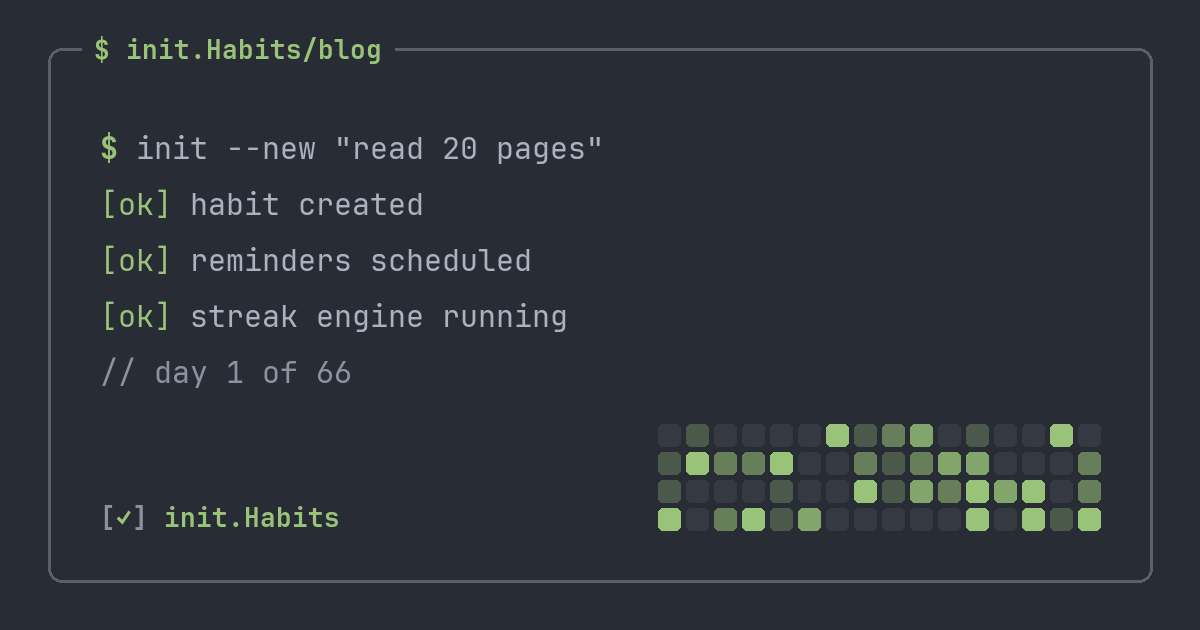
A terminal habit tracker, in the sense most people actually want, is a habit tracker that adopts the terminal's visual language — monospace type, a dense text layout, dark themes that match your editor, a contribution grid instead of stickers — while keeping the one-tap convenience of a normal app. You get the aesthetic and the speed without committing to a CLI you have to babysit. That distinction is the whole point, so it's worth pulling apart.
Two very different "terminal" trackers
The CLI scripts are genuinely fun for the first day. You log a habit by typing a command, your data lives in a plain text file or a tiny SQLite database, and it feels appropriately hacker. Then reality arrives: there's no widget on your phone, no reminder when you forget, no graph unless you build one, and logging a habit at 11pm means opening a laptop. For a habit you're trying to make automatic, that's a lot of ceremony. Most of those repos have a flurry of commits in month one and silence after that, which tells you how the maintainers' own streaks went.
The other kind keeps the terminal's look and ditches its friction. It runs on your phone, logs with a tap or a widget, sends a reminder if you want one, and renders everything in monospace so it still reads like one of your tools. This is the version that survives, because the aesthetic was never the hard part. Consistency is, and consistency dies the instant logging requires effort.
Why the terminal look actually helps
It's tempting to write this off as pure taste, and partly it is. But there's a real mechanism underneath. You spend your day moving between an editor, a terminal, and a browser, all of which share a visual language: monospace, dense, dark. An app that looks like a wellness brochure breaks that language every time you open it, and that tiny jolt of "this doesn't belong here" is exactly the kind of micro-friction that quietly ends habits. A tracker that looks like htop or your shell prompt slots into the same mental category as your other tools, and tools you already trust get opened without a second thought.
The dense layout pays off too. A monospace grid fits a week of habits on one screen with no scrolling, no cards, no wasted padding. You glance, you read the state, you move on. For a minimalist who wants signal over decoration, that economy is the entire appeal.
The contribution grid does the heavy lifting
The single most useful borrowed idea is the heatmap. Developers have spent years reading GitHub's contribution graph, so a year of habit data rendered the same way needs zero interpretation. You see streaks, gaps, and momentum in one look. It also quietly fixes the streak-counter trap: a missed day reads as a catastrophic 0 on a counter, but on a grid it's one faded cell among a season of filled ones, which is a far more honest picture of how you're doing. There's more on that failure mode in why streaks keep breaking, and the GitHub-style heatmap gets its own breakdown.
What to look for, beyond the looks
The aesthetic gets you to install it. These decide whether you keep it:
- Inspectable data. Per-habit completion rates, day-of-week patterns, and a real export path. You wouldn't trust a database you can't query, so don't trust a tracker that hides its numbers behind a "wellness score."
- Tracking modes that fit the habit. A checkbox can't measure 25 minutes of focus or two liters of water. Look for counters, numeric goals with units, and timers with a built-in pomodoro so focus sessions log themselves.
- Mercy for bad weeks. Deploy weeks and on-call shifts happen. Earned streak protection — init.Habits calls these shields — lets a brutal sprint cost you a day without nuking a three-month chain.
- One-tap logging. A home-screen widget or a lock-screen tap beats opening the app and navigating two screens, every time.
If a "terminal" tracker nails the font but fails this list, it's cosplay. The look should be the surface of a genuinely good tool, not a substitute for one.
Who it's actually for
Not everyone. If you love color, animation, and a cheerful nudge, a terminal tracker will feel cold and you should use something warmer — that's a real preference, not a flaw. But if your screens are already monospace and dark, if you read a contribution graph faster than a pie chart, and if you want a habit tracker that disappears into your stack instead of announcing itself, this is the category for you. It's the same instinct that makes developers spend an afternoon on their shell config: tools that fit your hand get used, and tools that get used are the only ones that change anything.
FAQ
Is a terminal habit tracker a command-line app?
It can be, but it doesn't have to be. Some are literal CLI tools you run in a shell; others, like init.Habits, keep the terminal's monospace look and contribution-grid layout while running as a normal phone app with one-tap logging and widgets. The second kind is what most people searching for the aesthetic actually want.
Is there a terminal-style habit tracker for iPhone?
Yes. init.Habits is a terminal-style habit tracker for iPhone and the web with monospace type, GitHub-style heatmaps, earned streak freezes (shields), a built-in pomodoro timer, and 23 editor themes. It's on the App Store now, with a fully synced web app in any browser.
Why do developers like monospace habit trackers?
Because they match the rest of the stack. Your editor and terminal are already monospace and dark, so a tracker in the same visual language feels like a tool you own rather than a foreign app, which removes the small constant friction that ends most habits.
Can I match it to my editor theme?
In some apps, yes. init.Habits ships 23 palettes including Dracula, Nord, Tokyo Night, Gruvbox and Catppuccin, so the tracker can use the exact colors you stare at all day. You can preview every one of them on the homepage, which re-themes itself live.