
Most habit trackers are built for everyone, which in practice means pastel cards, confetti animations, and notifications written by a brand voice committee. None of that is a crime. But if you spend eight hours a day in an editor and a terminal, an app that feels like a wellness brochure has a real problem: it doesn't feel like one of your tools, and tools that don't feel like yours quietly stop getting opened.
So what should a habit tracker for developers actually do differently? After cycling through a fair number of them, here's the checklist I'd actually use. The tool is only half the problem, mind — how to build good habits covers the other half, which is the cue, the minimum and the recovery rule the app can't choose for you.
It should look like the rest of your stack
This sounds cosmetic. It isn't. You context-switch between tools all day, and the ones that survive are the ones that share a visual language: monospace type, dense layouts, dark themes that match your editor. The friction of "this app feels foreign" is small but constant, and small constant frictions are exactly how habits die.
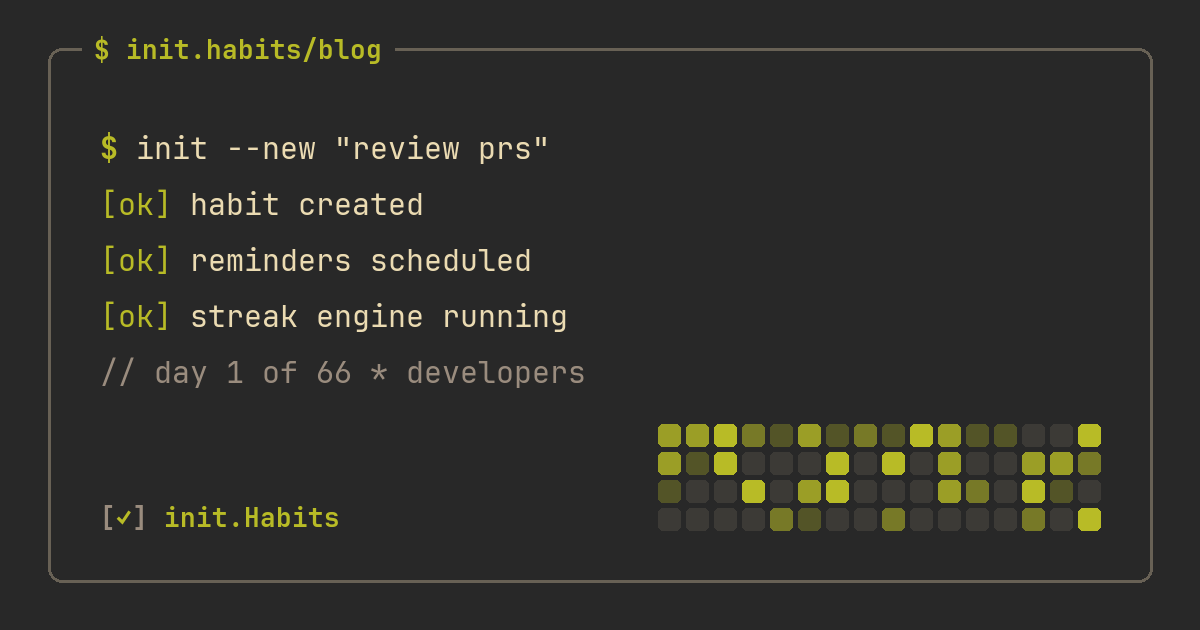
The strongest version of this is a tracker that ships the actual themes you work in: Dracula, Nord, Tokyo Night, Gruvbox, Catppuccin. If your habit tracker can sit next to your terminal without clashing, you've removed one more excuse not to open it. This is the entire premise of init.Habits: it ships 23 editor themes and renders everything in JetBrains Mono, so the tracker reads like one of your tools instead of a wellness brochure.
A heatmap you already know how to read
Developers have spent a decade internalizing GitHub's contribution graph. You can glance at one and instantly read consistency, gaps, and trend. That training is worth using.
A habit tracker that renders your year as a contribution graph gives you trend data for free, no interpretation required. A calendar with stickers makes you count. The graph also fixes a psychological problem with streak counters: one missed day looks like a catastrophic zero on a counter, but on a heatmap it's a single pale cell in a field of green. More on that in why streaks keep breaking.
Your data should be inspectable
You wouldn't use a database you can't query. Apply the same standard here:
- Per-habit stats: completion rates, day-of-week patterns, trends over time
- A real export path, so your history isn't hostage to one vendor
- Numbers you can verify against your own memory, not a proprietary "wellness score"
If the app's idea of analytics is a motivational quote and a ring that fills up, keep looking.
Tracking modes that match real habits
A checkbox can't measure two liters of water, and it definitely can't measure 25 minutes of focused work. Look for:
- Checkboxes for binary habits (took vitamins, made the bed)
- Counters and numeric goals with units for quantities (glasses of water, pages read)
- Timers for duration habits, ideally with pomodoro built in so focus sessions log themselves
- Health-data sync for things your phone already measures, like steps and sleep, so those habits track with zero taps
The wrong mode flattens the habit. If "read 20 pages" becomes a plain checkbox, you'll tick it after two pages and feel vaguely fraudulent, and vaguely fraudulent is a bad foundation for a system you want to trust.
Logging with zero ceremony
Here's the test that kills most trackers: it's 11pm, you did the thing, and logging it means finding your phone, opening an app, and navigating two screens. You'll skip it. Not every time, but often enough that your data rots.
Widgets fix this. A checklist on the home screen, habits on the lock screen, one tap to complete. The best logging flow is the one that doesn't require opening the app at all, which is also why developers tend to love trackers with health-sync: some habits should just log themselves.
Mercy for crunch weeks
Deploy weeks happen. On-call happens. A tracker that treats a brutal sprint like a personal failing will be abandoned by February, and the abandonment usually takes the habits down with it.
Look for earned streak protection (init.Habits calls these shields: complete habits consistently and you bank cover for missed days), weekly goals like "3x per week" for habits that were never meant to be daily, and vacation or sick modes for longer gaps. None of this is leniency for its own sake. It's the difference between a system that models real life and one that models a motivational poster.
The anti-features
A few things look good on a feature list and quietly ruin trackers in practice:
- Social feeds. Your habits aren't content, an audience turns reflection into performance, and a private tracker leaves them out on purpose.
- Aggressive notification schedules. Ten pings a day trains exactly one habit: swiping notifications away. Adaptive reminders, or a single daily summary, respect your attention.
- Slot-machine gamification. There's a real difference between progress mechanics that reward consistency you already produced (levels, milestone achievements) and mechanics designed to manufacture engagement. The first kind gives the work a sense of accumulation. The second kind replaces the habit with the meta-game.
The one-week test
Forget feature lists for a second. Install the candidate, track one real habit for seven days, and watch for a single signal: did you ever do the habit and not bother logging it?
If yes, the tracker failed. It added friction instead of removing it, and no amount of features compensates for that. The right tool disappears into your routine the way a good shell config does. You stop noticing it. The work just happens.
FAQ
Is there a habit tracker that looks like a terminal?
Yes. init.Habits is built around exactly that: a TUI-style interface, monospace type, GitHub-style heatmaps, and streak mechanics designed to survive real schedules. It's on the App Store for iPhone, with a fully synced web app in any browser.
Can a habit tracker match my editor theme?
Some can. init.Habits ships 23 of them, including Dracula, Nord, Tokyo Night, Gruvbox, Catppuccin and both GitHub themes, so the tracker can use the same palette you stare at all day. You can preview every one of them on the homepage, which re-themes itself live.
Why use a GitHub-style heatmap for habits?
Because you already know how to read it. The contribution-graph format compresses months of behavior into one glance and makes trends, gaps, and recoveries obvious. For developers it's the lowest-friction way to see whether a habit is actually holding.
Do I need a paid habit tracker?
Not necessarily. Free tiers cover the basics in most apps. Paying usually buys depth: per-habit analytics, more tracking modes, timers, health sync, more themes. A reasonable rule: pay only after a free week has proven you'll actually log things.